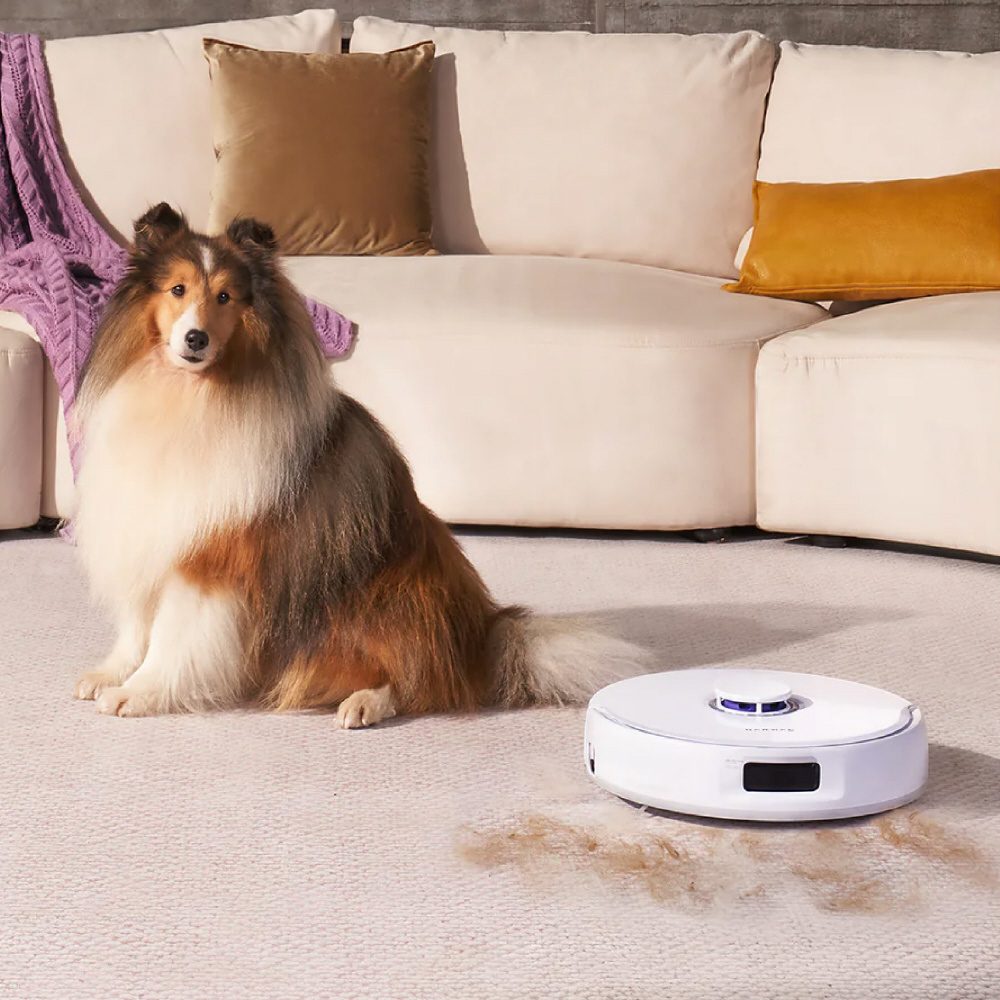
A robot vacuum is a machine that lives on your floor, eats dust for a living, and has more sensors than your phone. It is also, in most homes, the least-maintained appliance in the house — which is why so many of them start missing spots, getting stuck, or dying young.
This guide is the maintenance routine we follow for our own machines: what to do weekly, monthly and yearly, which parts are consumables, and the warning signs that mean a part needs replacing now rather than later. None of it needs tools beyond a pair of scissors and a dry cloth.
At a glance
| Task | How often | Time | Why it matters |
|---|---|---|---|
| Empty bin / check base | After every run* | 1 min | A full bin kills suction |
| Clean brush roll | Weekly | 3 min | Hair wrap strains the motor |
| Tap out filter | Weekly | 1 min | A clogged filter chokes airflow |
| Wipe sensors & wheels | Monthly | 3 min | Dirty sensors cause missed spots |
| Replace filter | Every 2–3 months | 2 min | Worn filters leak fine dust |
| Replace battery | Every 2–4 years | 10 min | Short runtimes mean a tired battery |
In this guide
- Empty the bin — every run, not when it's full
- De-hair the brush roll weekly
- Tap the filter clean — and know when to replace it
- Wipe the sensors and cliff sensors monthly
- Clean the wheels and the dock contacts
- Mop pads: wash after every use
- Battery care: the part everyone gets wrong
- Side brushes: small parts, big difference
- Software updates: install them
- When to repair, when to replace
- The bottom line
- Frequently asked questions
Empty the bin — every run, not when it's full
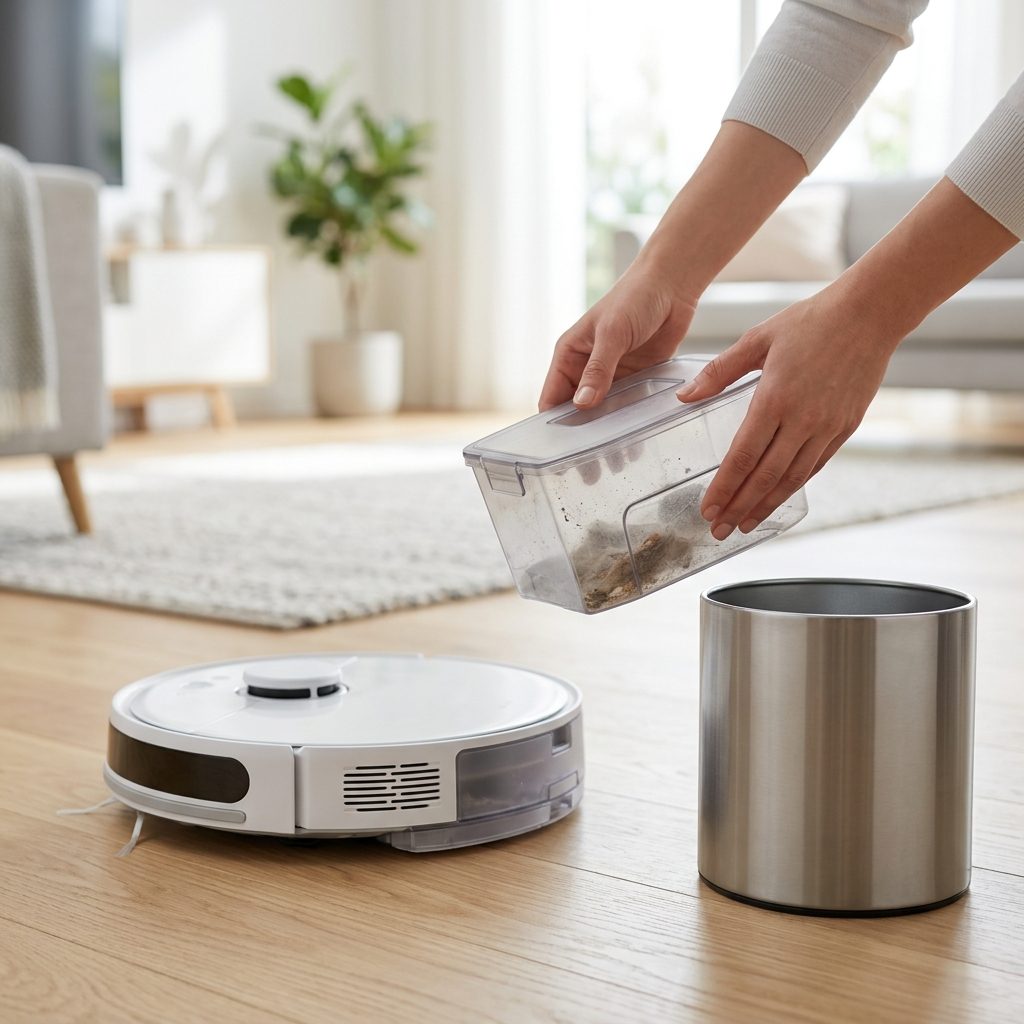
A robot vacuum's bin is small — typically 400–500 ml — and suction drops noticeably once it is half full. In a pet home, a single run can fill it. Emptying after every run takes thirty seconds and keeps suction at its best.
If you have a self-emptying base, check the base bin or bag weekly rather than trusting the app's estimate: bags fill unevenly, and a bag that looks half full by weight can be blocked at the inlet. A blocked base means the robot's bin never empties properly, and performance falls off a cliff.
De-hair the brush roll weekly
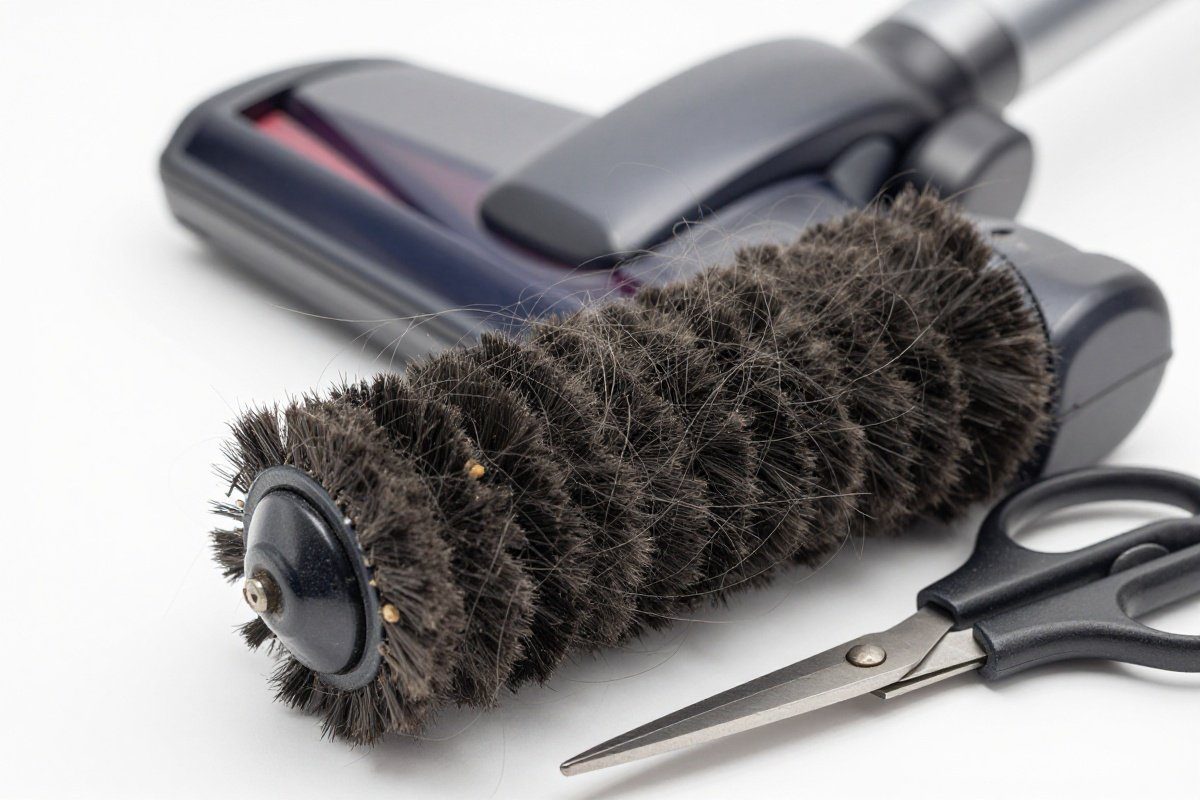
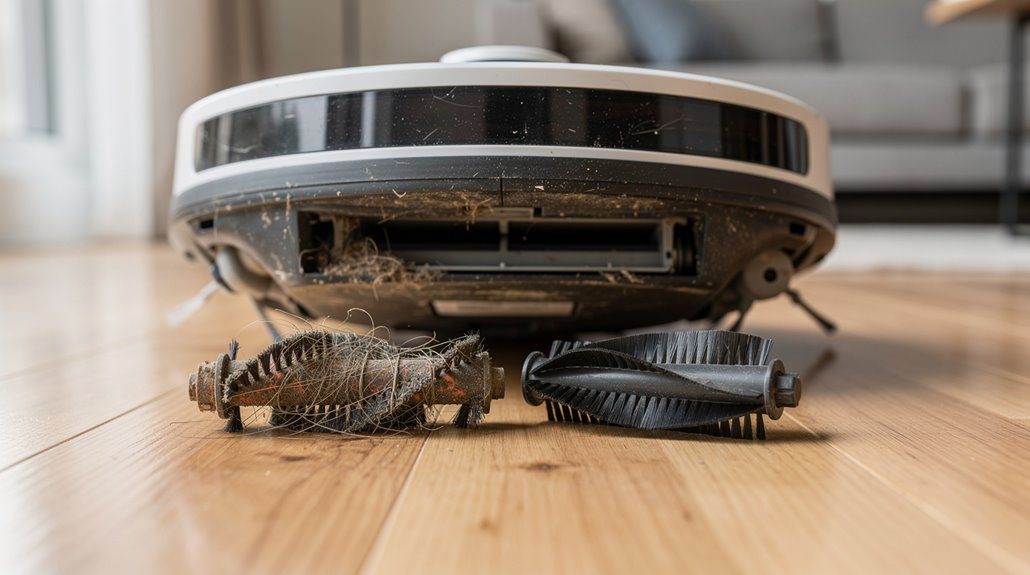
Hair wrap is the number one killer of robot vacuum performance. Hair winds around the brush roll, then migrates to the bearings at each end, where it creates friction, heat and eventually motor strain. A brush that cannot spin freely does not clean — and it wears out the motor trying.
Once a week, flip the robot over, remove the brush roll (most pop out without tools), and cut away wrapped hair with scissors — cutting along the roll, not across it. Pull hair from the bearing ends with tweezers. Rubber rollers need this less often than bristle brushes, but they still need it.
Tap the filter clean — and know when to replace it
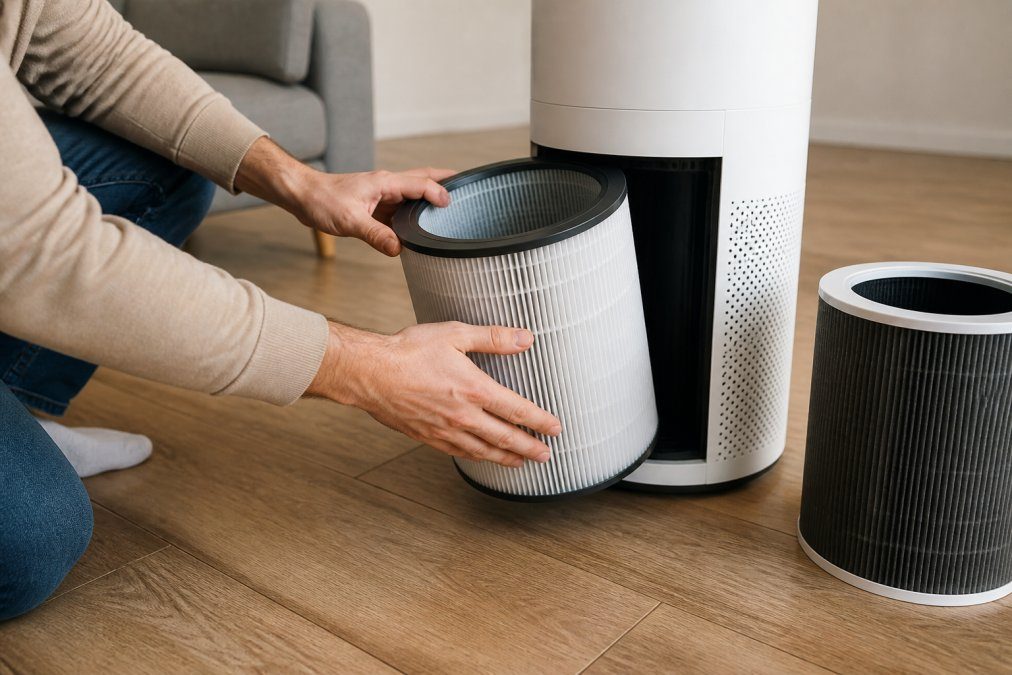
The filter traps the fine dust that would otherwise blow back into the room. Tap it gently against the side of a bin weekly to dislodge dust. Never wash a paper or HEPA filter unless the manual explicitly says it is washable — water damages the filter media and can grow mould.
Replace the filter every two to three months in normal use, monthly in a pet home or during heavy shedding. A grey, clogged filter is not just less effective — it chokes airflow, which makes the motor work harder and shortens its life. Filters are cheap; motors are not.
Wipe the sensors and cliff sensors monthly
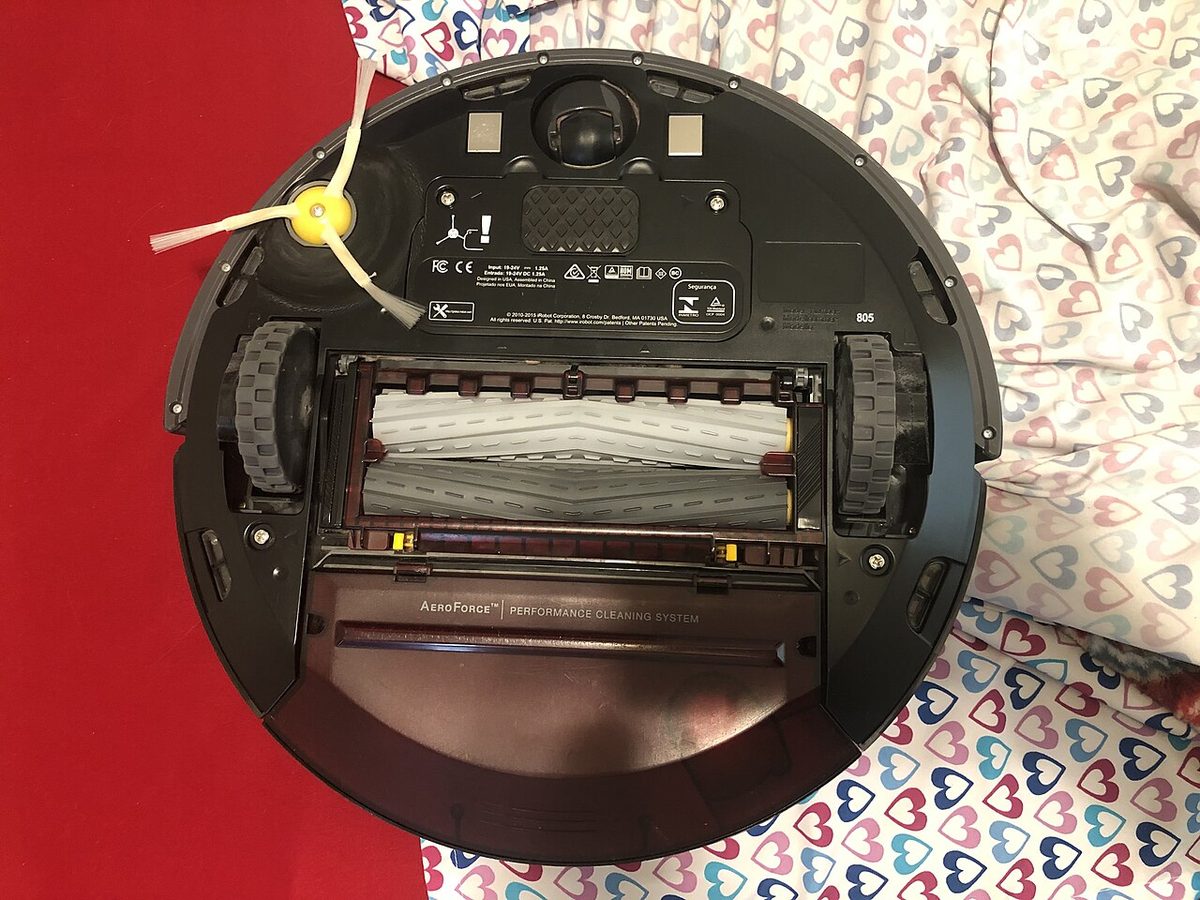
A robot navigates by sensors: LiDAR, cameras, bump sensors and the cliff sensors underneath that stop it falling down stairs. Dust on any of them degrades navigation — the robot misses spots, bumps into furniture it used to avoid, or refuses to cross dark flooring.
Once a month, wipe every sensor window with a dry, soft cloth. Pay particular attention to the cliff sensors on the underside: they are the ones most often blamed when a robot starts behaving strangely, and they are the easiest to fix.
Clean the wheels and the dock contacts
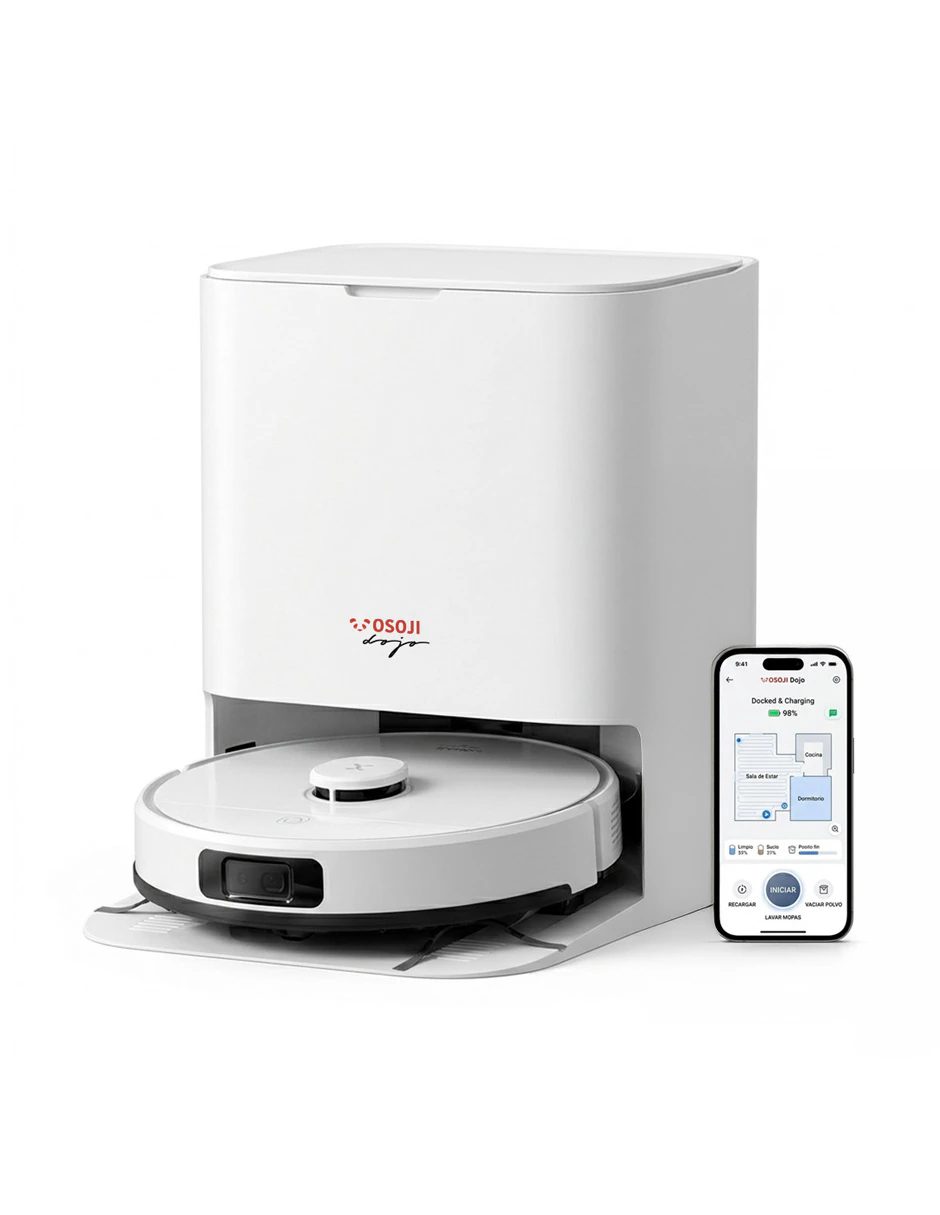
Hair wraps around wheel axles just as it does around brushes, and a wheel that cannot turn freely makes the robot drag, miss spots and wear its drive motor. Monthly, check both drive wheels and the front caster wheel, and pull out any wrapped hair.
Wipe the charging contacts on the robot and the dock with a dry cloth. Dirty contacts cause intermittent charging — the robot reports itself charged, runs for ten minutes, and dies mid-clean. It is one of the most common 'faults' that is not a fault at all.
Mop pads: wash after every use
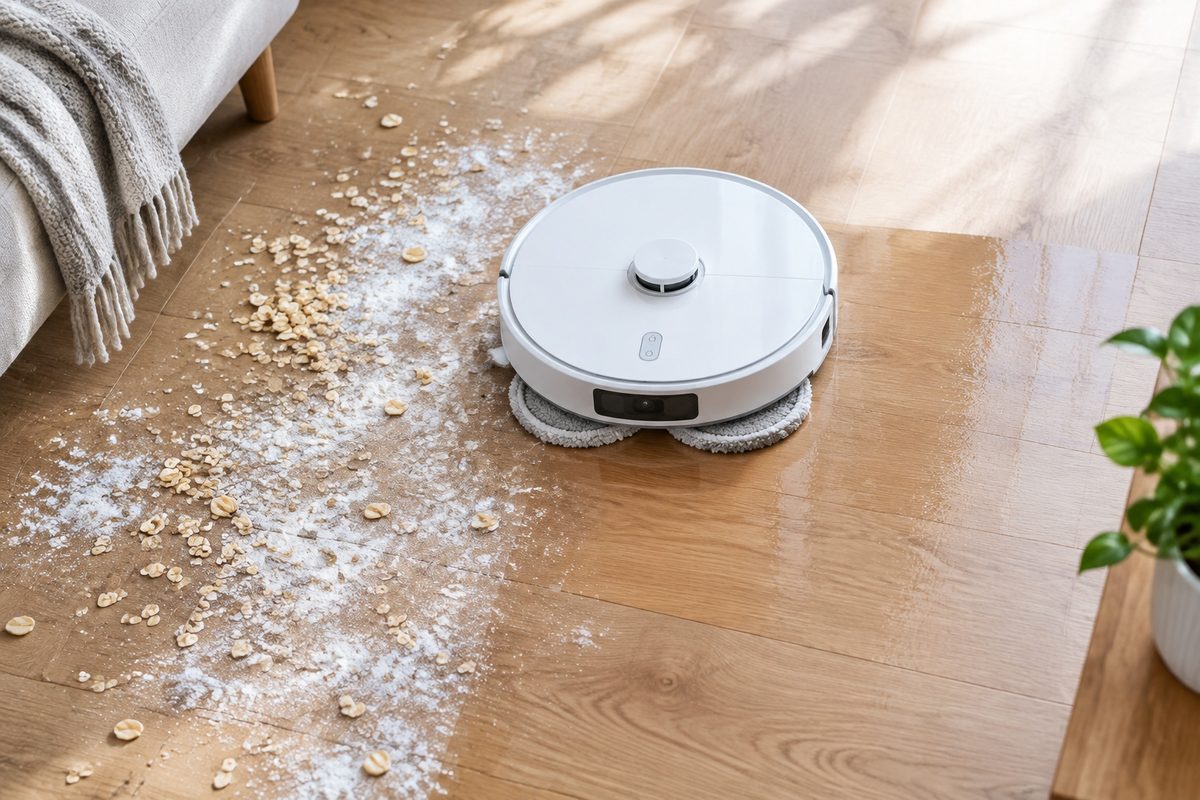
If your robot mops, the mop pads are the most neglected consumable in the house. A dirty pad does not clean — it spreads dirty water. Wash pads after every mopping run, either by hand or in the washing machine on a gentle cycle, and let them dry fully before refitting.
Replace pads every two to three months, or sooner if they stop absorbing. Keep a spare set so the robot is never waiting on laundry. For robots with auto-wash docks, clean the dock's wash tray monthly: it collects the dirt the pads shed, and it smells if ignored.
Battery care: the part everyone gets wrong
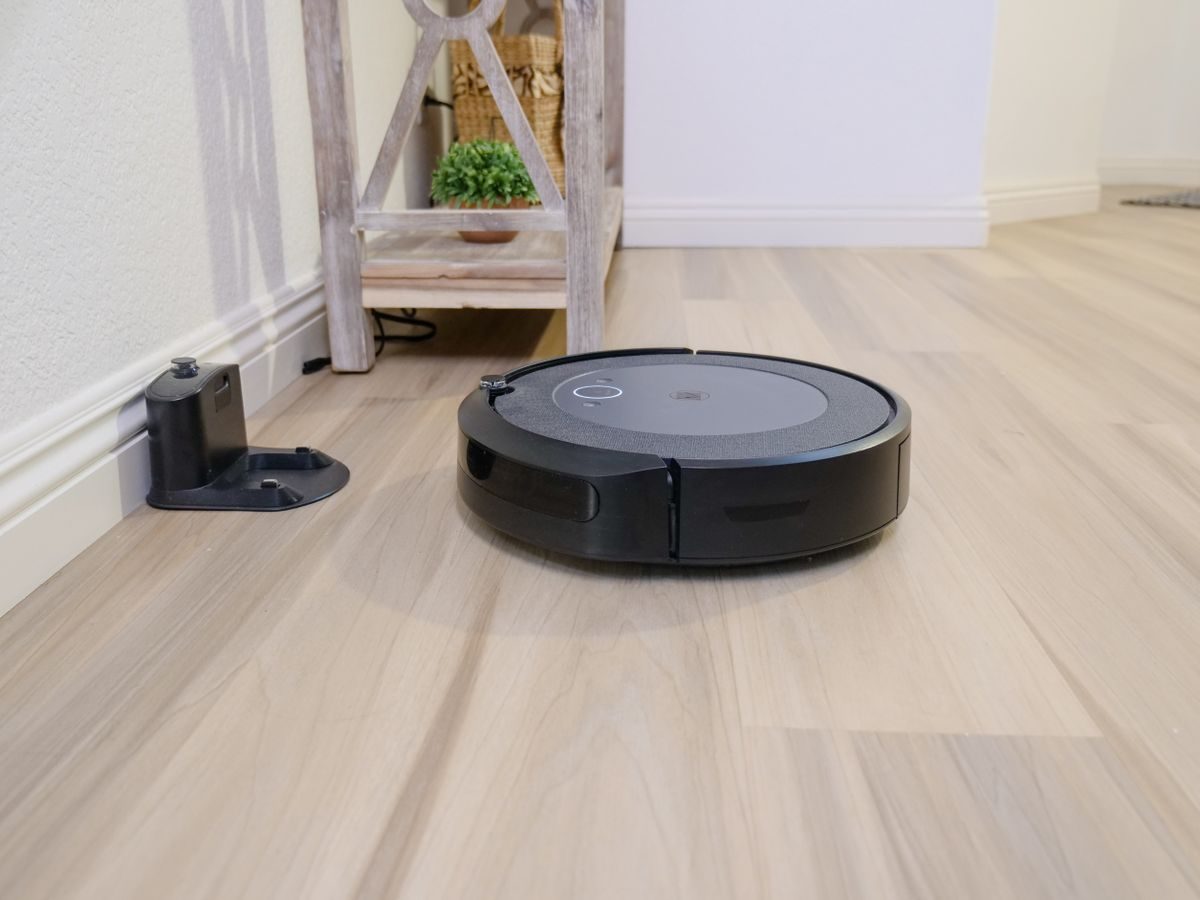
Robot vacuum batteries are lithium-ion, and they last longest when kept between 20% and 80% charge — but robots are designed to sit on their docks at 100%, and the battery management system handles that well enough in practice. The real battery killers are heat and deep discharge.
Do not store a robot off its dock for weeks with a dead battery; if you are going away, leave it docked. If runtime drops noticeably after two or three years, the battery is tired — replacement batteries are available for most models and take ten minutes to fit. A new battery is far cheaper than a new robot.
Side brushes: small parts, big difference
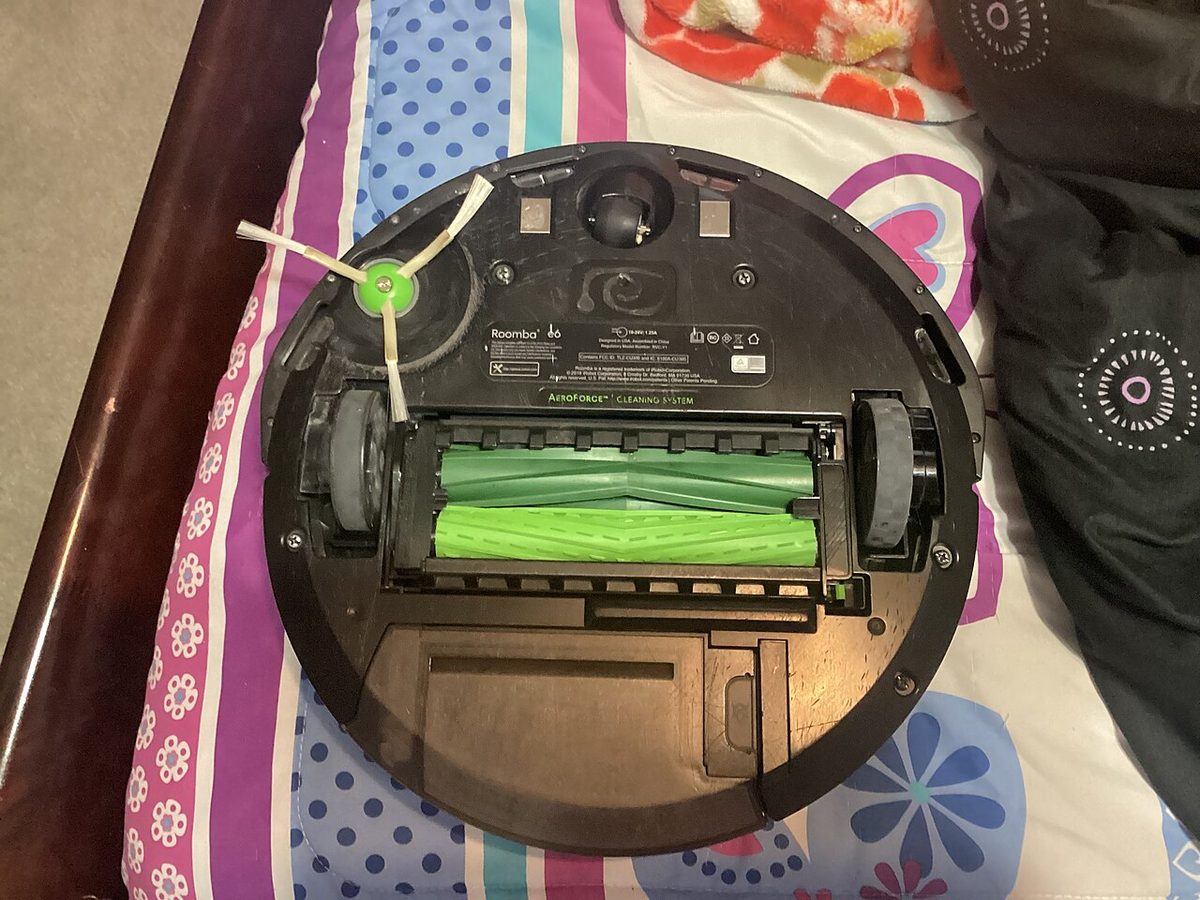
Side brushes sweep debris from edges and corners into the main brush's path. They wear out — bristles bend, splay and snap — and a worn side brush leaves a visible line of dirt along every baseboard. Replace them every three to six months, or when the bristles no longer hold their shape.
They are among the cheapest parts on the machine, and they are usually tool-free to swap. If your robot's edge cleaning has quietly got worse, the side brushes are the first thing to check.
Software updates: install them
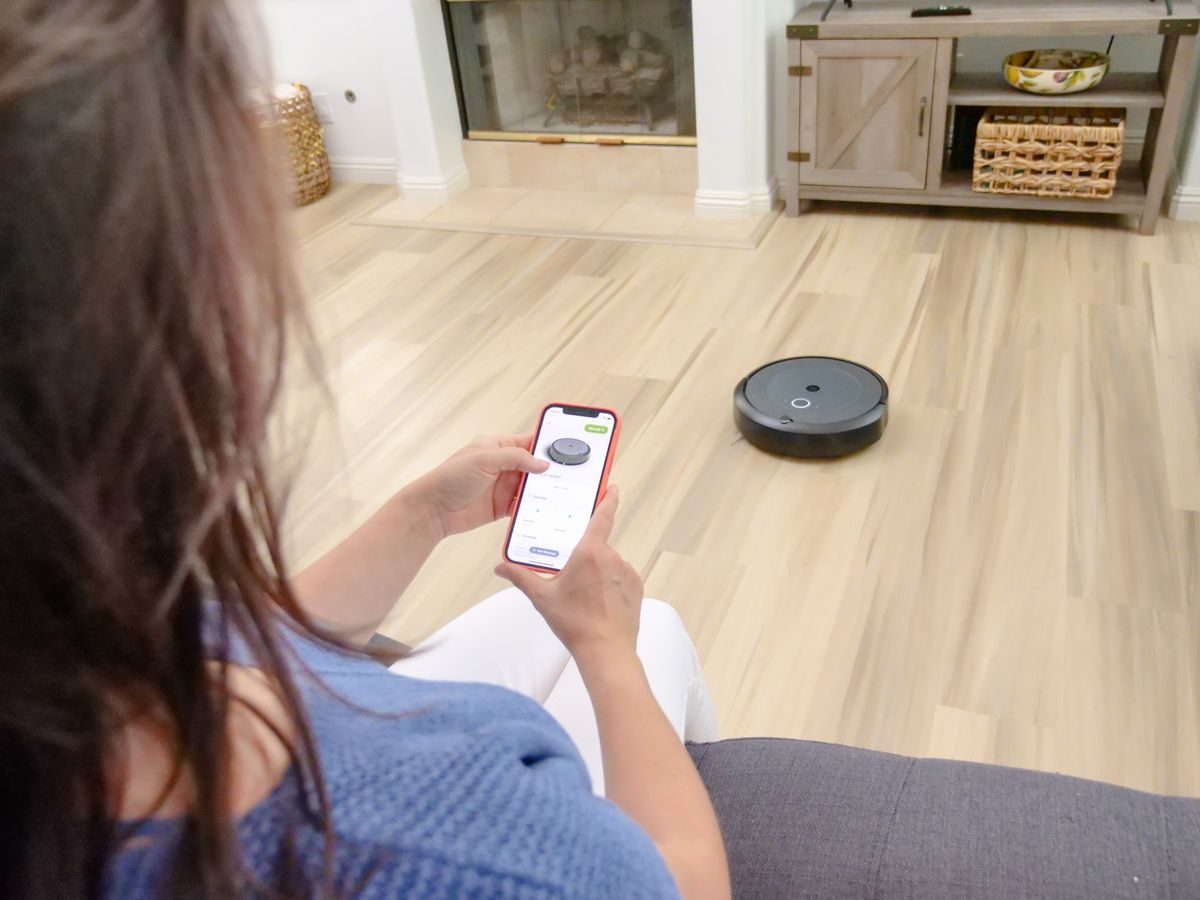
Robot vacuums are software products as much as hardware. Manufacturers push updates that improve navigation, fix mapping bugs and add features — and a robot running two-year-old firmware is a worse machine than the same robot updated. Check for updates monthly in the app.
After a major update, it is worth letting the robot re-map the house: navigation improvements sometimes change how it interprets the map, and a fresh map avoids the odd missed room or phantom obstacle.
When to repair, when to replace
Replace consumables — filters, brushes, pads, batteries — without hesitation: they are cheap and they restore performance. Repair is worth it for a failed wheel motor or a cracked bumper on a robot under three years old, if parts are available.
Replace the robot when the main board fails, when parts are discontinued, or when repair costs exceed half the price of a current equivalent. A well-maintained robot should last four to six years; if yours has done that, it has earned its retirement.
The bottom line
Ten minutes a week — empty the bin, de-hair the brush, tap the filter — plus a monthly sensor and wheel wipe, will keep a robot vacuum cleaning well for years. Replace filters every 2–3 months, side brushes every 3–6 months, and the battery when runtime drops. Most 'dead' robots are just neglected ones.
Best Robot Vacuum for Pet Hair (2026) → · See every pick in the shop →
Frequently asked questions
How often should I clean my robot vacuum?
Empty the bin after every run, de-hair the brush and tap the filter weekly, and wipe sensors and wheels monthly. That ten-minute weekly routine covers 90% of maintenance.
Can I wash my robot vacuum filter?
Only if the manual says it is washable. Most robot vacuum filters are paper or HEPA media that water damages. Tap them clean against a bin instead, and replace them every 2–3 months.
How long should a robot vacuum battery last?
Two to four years of normal use before runtime drops noticeably. Replacement batteries are available for most models and take about ten minutes to fit — a new battery is far cheaper than a new robot.
Why does my robot vacuum keep getting stuck?
Usually one of three things: dirty cliff sensors (wipe them), hair wrapped around a wheel axle (pull it out), or an outdated map (let it re-map). If it gets stuck in the same place, that spot needs a no-go zone or a threshold ramp.
Do I need to replace the brush roll?
Rubber rollers last 12–18 months; bristle brushes 6–12 months in a pet home. Replace when the bristles are worn, the rubber is nicked, or the roll no longer spins freely after cleaning.
Why is my robot vacuum louder than when it was new?
Usually a clogged filter or a hair-wrapped brush straining the motor. Clean both first. If the noise persists, check the wheels for wrapped hair and the side brush for damage. A motor that has run strained for months may be permanently noisier.